A prompt library that actually pays off
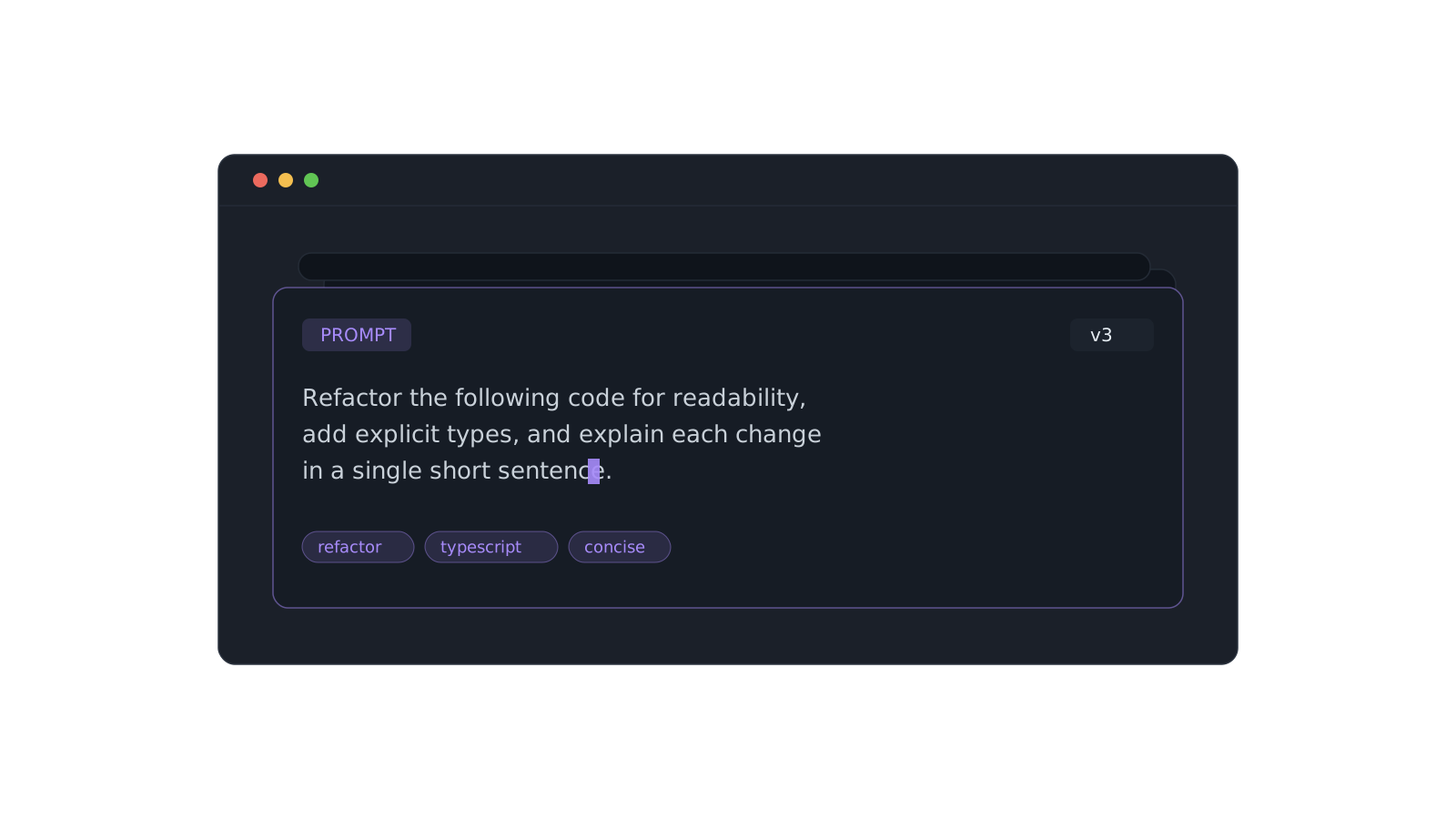
Every developer working with AI ends up with the same problem: the prompt that got a great result is buried somewhere in a chat history you'll never scroll back to. You rewrite it from memory, get a worse answer, and start tweaking all over again.
A prompt is a piece of engineering. It deserves the same treatment as a snippet — a home, a name, and a way to find it again.
Save the ones that work
The moment a prompt produces something you'd reuse, stash it as a Prompt item. Give it a descriptive title (Senior code reviewer, Explain a stack trace) so you're searching by what it does, not by the first few words you happened to type.
- Tag by task —
review,refactor,docs,tests. - Tag by model if the phrasing is model-specific.
- Group a set into a collection like AI Workflows.
Version, don't overwrite
When you improve a prompt, keep the change deliberate. Small edits compound — a sharper role, a tighter constraint, one good example — and the difference between an okay prompt and a great one is usually a single line.
The best prompt library isn't the biggest. It's the one where the ten prompts you actually use are one search away.
Let the optimizer help
On Pro, the prompt optimizer rewrites a rough prompt into a sharper one — clearer role, explicit output format, fewer ways to go wrong. Start from its version, keep what fits, and stash the result.
Romualdo Dasig
Building DevStash — one fast, searchable, AI-enhanced hub for developer knowledge.
Keep reading
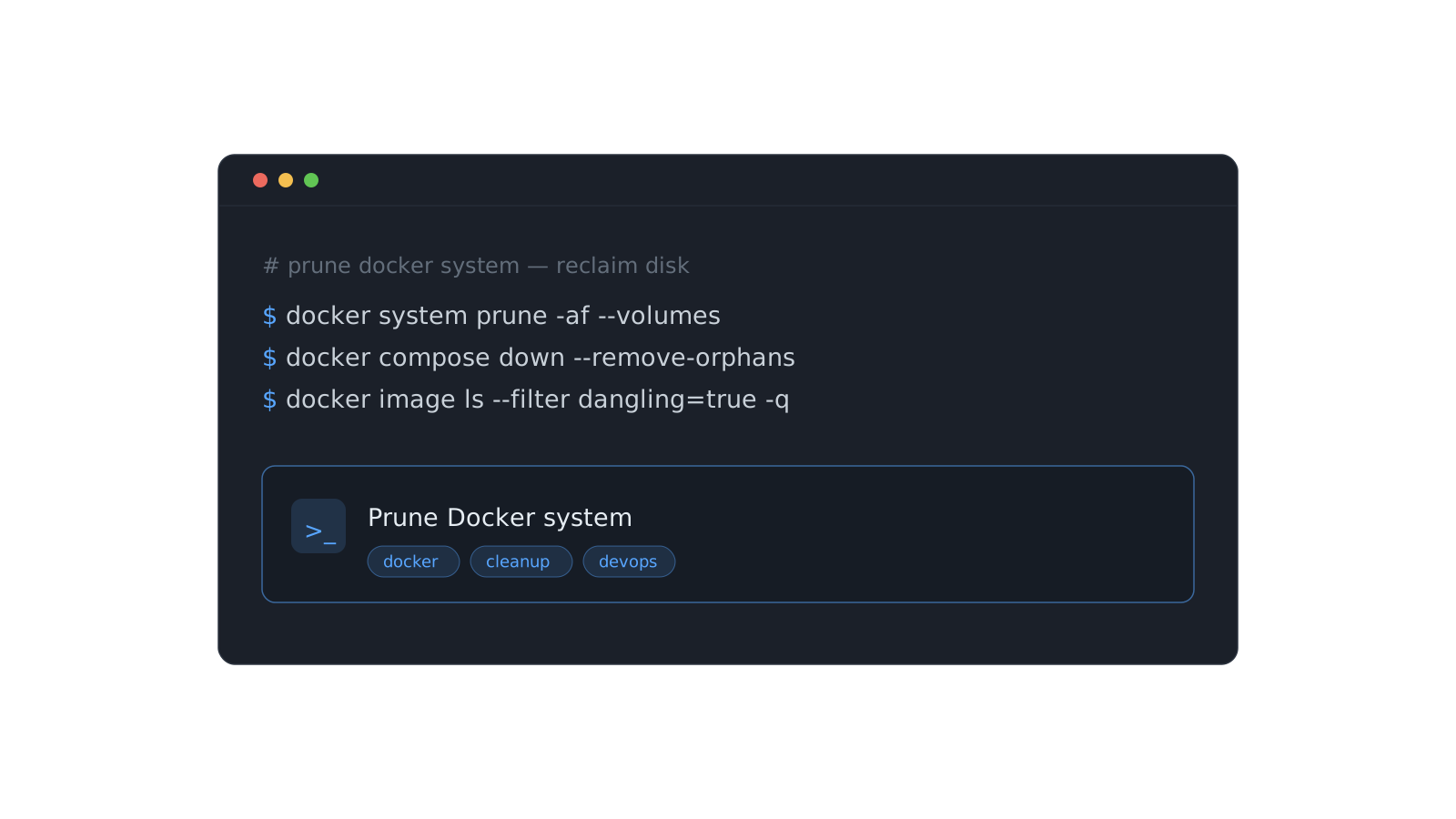
Stop re-deriving that Docker command for the fifth time
The commands you run once a month are the ones you never remember. Here's a system for stashing them so they're one search away — forever.
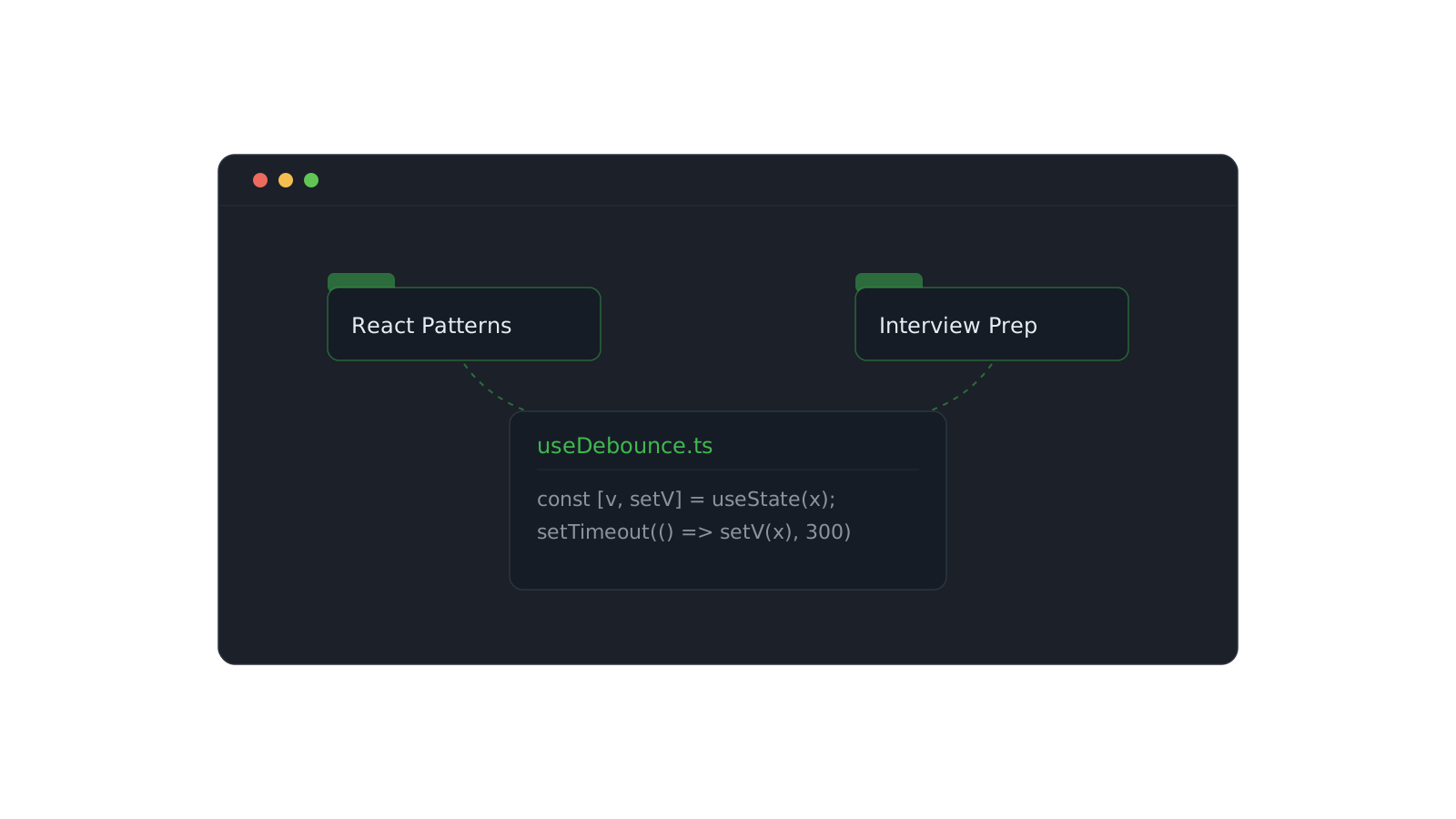
Organizing snippets with collections
One snippet can live in React Patterns and Interview Prep at once. Here's how to structure collections that scale.
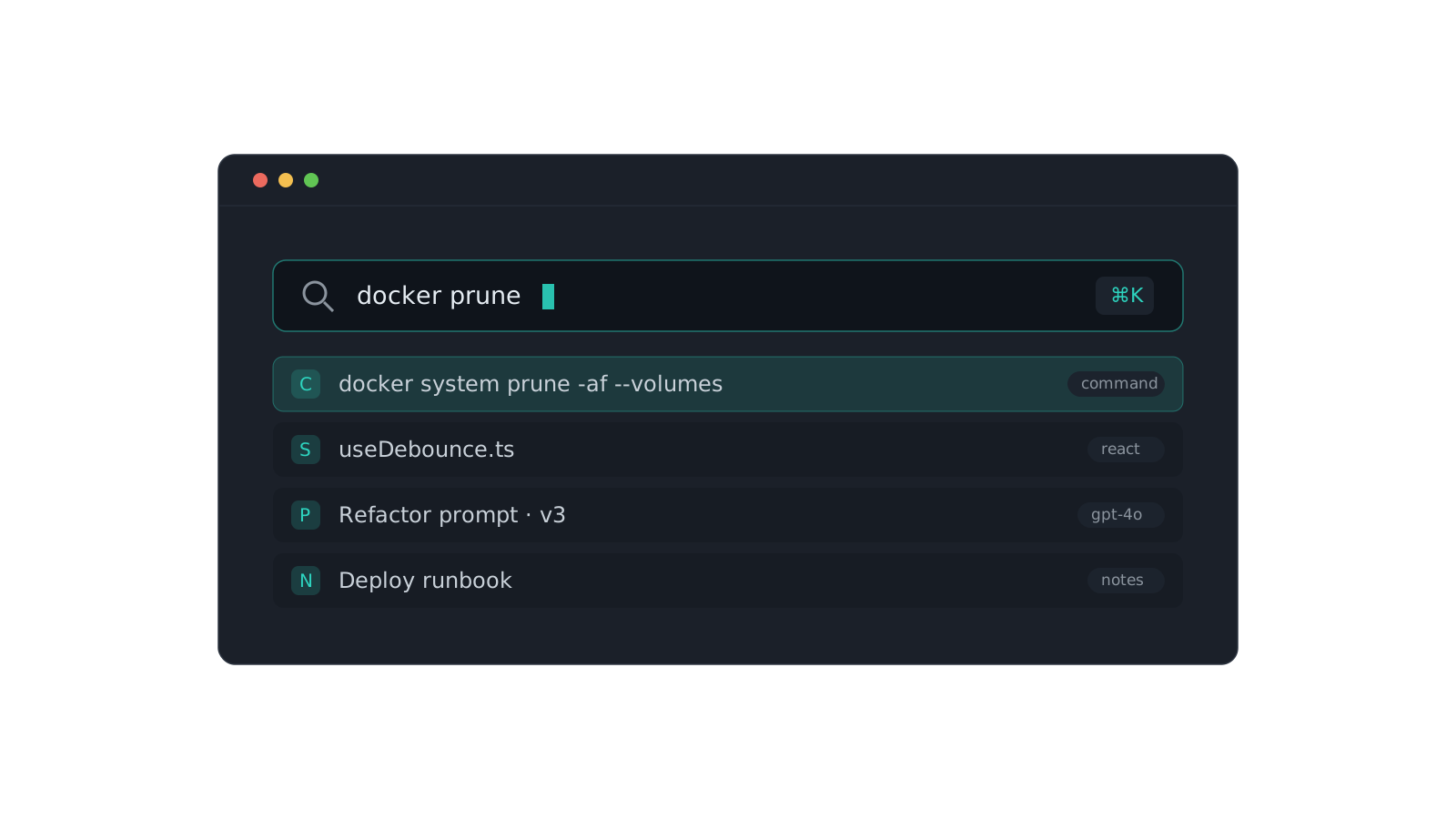
Finding anything with the ⌘K palette
Search across content, titles, tags, and types. A tour of the command palette and the tricks that make it fast.