Stop re-deriving that Docker command for the fifth time
You know the one. The docker flag combination you looked up three months ago, got working, and then promptly forgot. Now you're back in the docs, back in Stack Overflow, back in your shell history running Ctrl-R and hoping past-you typed it recently enough.
The commands you run once a month are exactly the ones you never remember — too rare to memorize, too important to lose. That's the gap DevStash's Command type is built for.
Stash it once
When you finally get a command working, don't just move on. Save it as a Command item with a clear title and a tag or two. Future-you will search for it by intent, not by exact syntax.
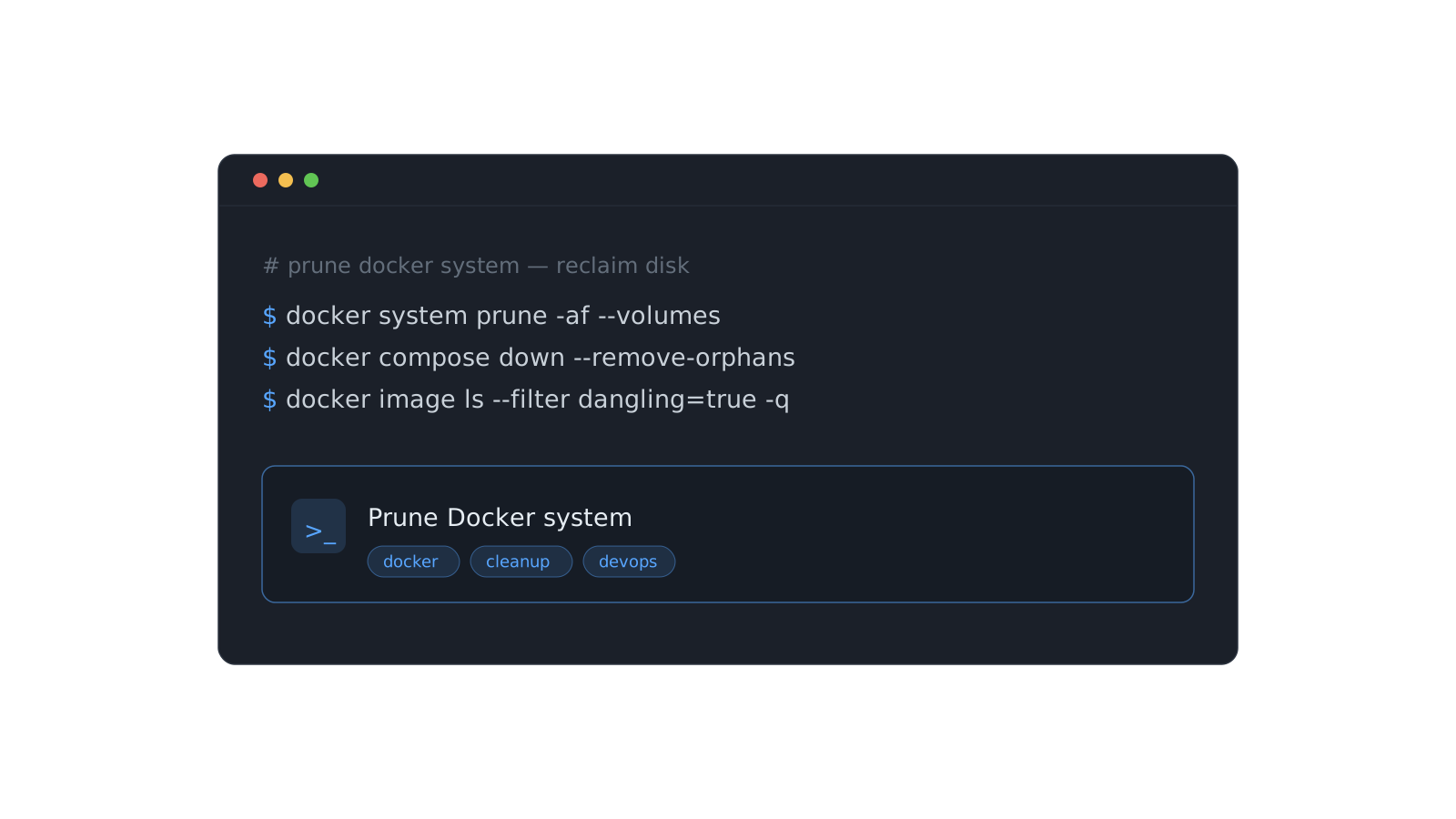
docker system prune -af --volumes
docker compose down --remove-orphans
docker image ls --filter "dangling=true" -q | xargs docker rmi
Give it a title like "Prune Docker system (reclaim disk)" and tags like docker, cleanup. Now it's one ⌘K search away.
A command you can't find in five seconds is a command you'll re-derive from scratch. The point of stashing is retrieval, not hoarding.
Tag for how you'll search, not how you filed it
The mistake most people make with snippet managers is organizing by where things came from. Organize by what you'll be thinking when you need it again:
- Tag by the problem it solves (
cleanup,debug,deploy). - Tag by the tool (
docker,git,kubectl). - Drop it into a collection like DevOps so related commands live together.
Let AI do the tedious part
On Pro, paste the command and let auto-tagging suggest the tags for you — then accept the ones that fit. It's the difference between a stash you keep up and one you abandon after a week.
That's the whole system: capture the moment it works, tag for retrieval, and trust search to do the rest. Do it for a month and you'll never re-derive that Docker command again.
Romualdo Dasig
Building DevStash — one fast, searchable, AI-enhanced hub for developer knowledge.
Keep reading
A prompt library that actually pays off
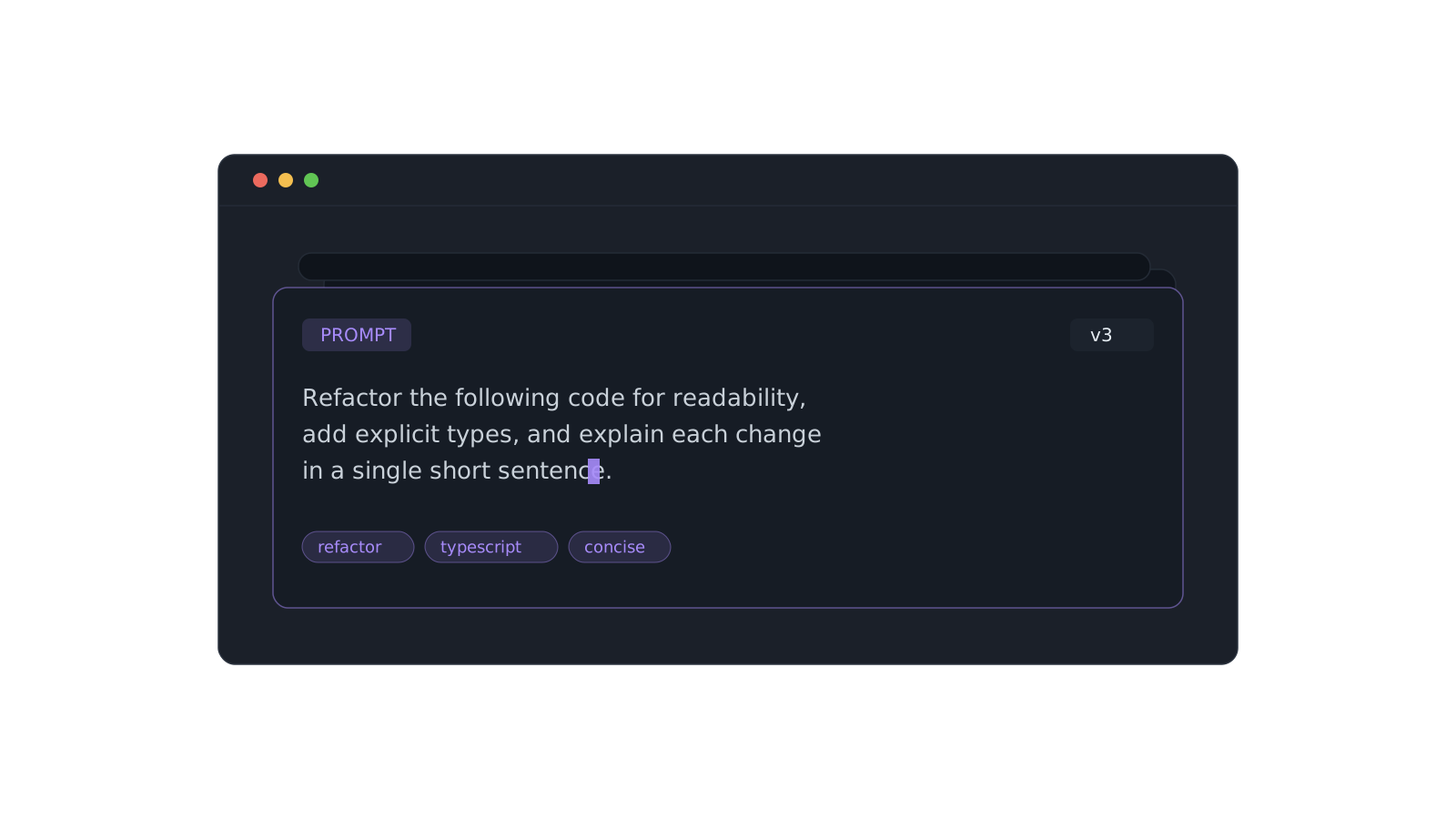
Version the prompts that work, tag them, and pull the right one in seconds instead of scrolling chat history.
Organizing snippets with collections
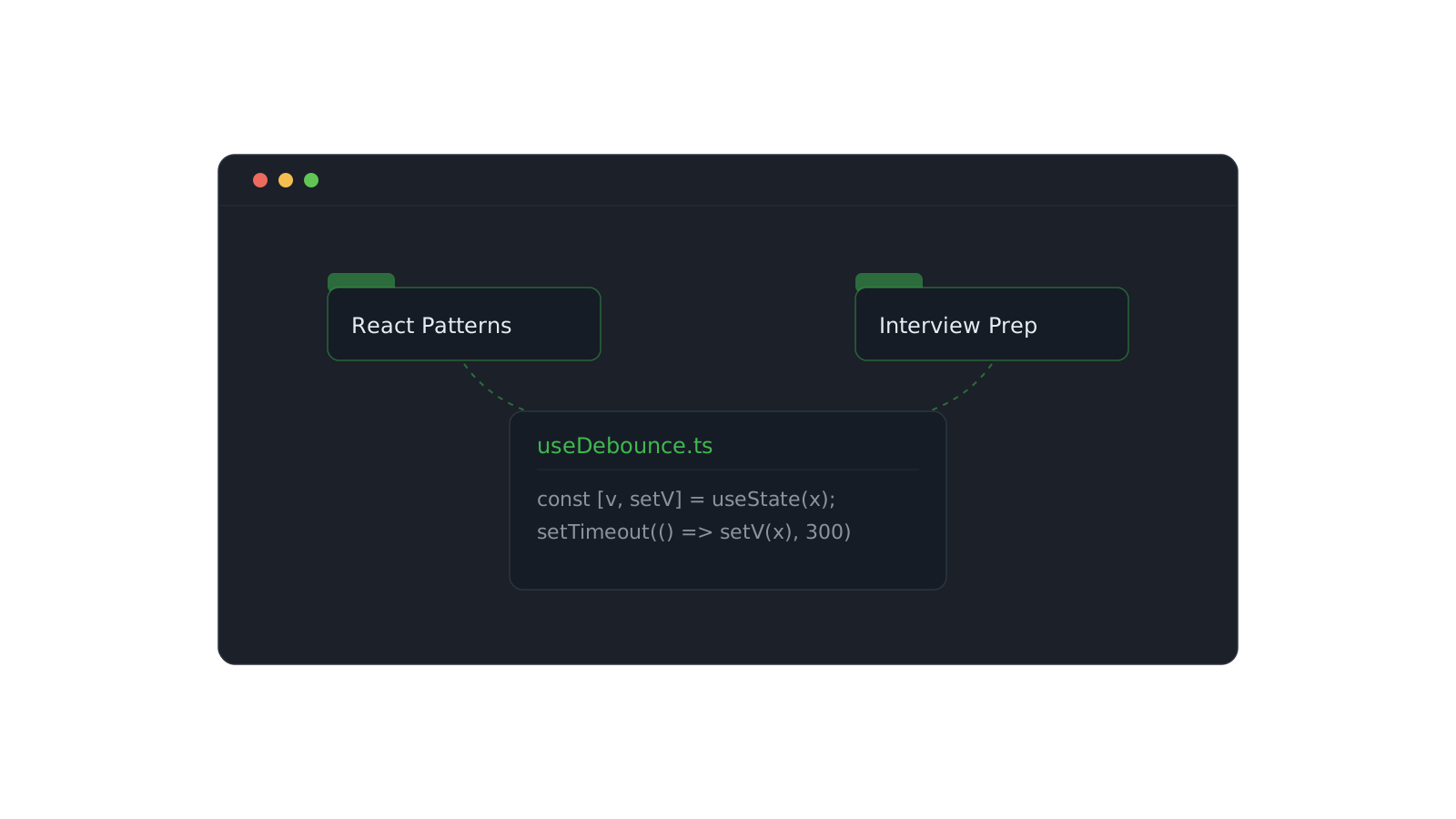
One snippet can live in React Patterns and Interview Prep at once. Here's how to structure collections that scale.
Finding anything with the ⌘K palette
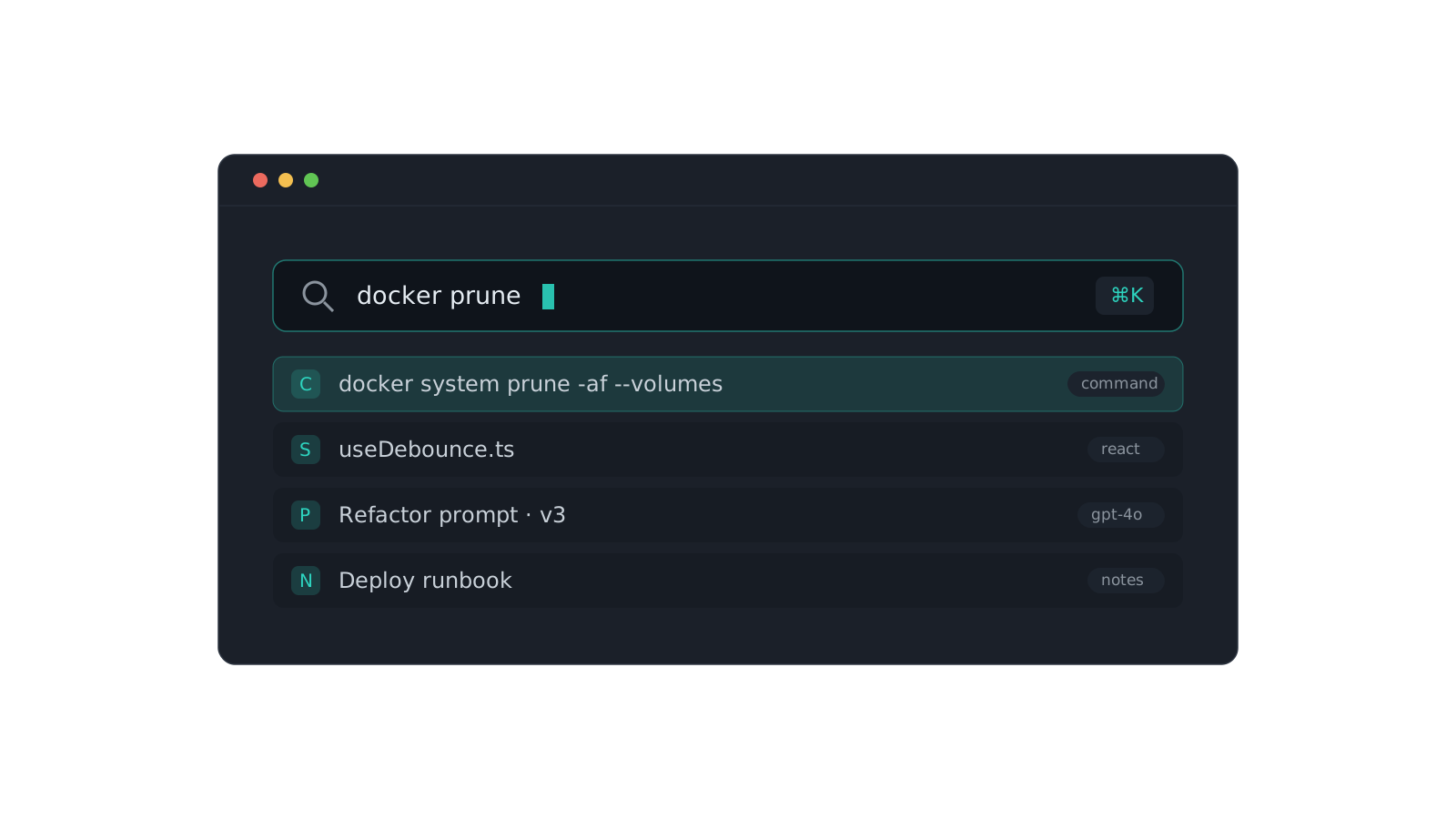
Search across content, titles, tags, and types. A tour of the command palette and the tricks that make it fast.