Organizing snippets with collections
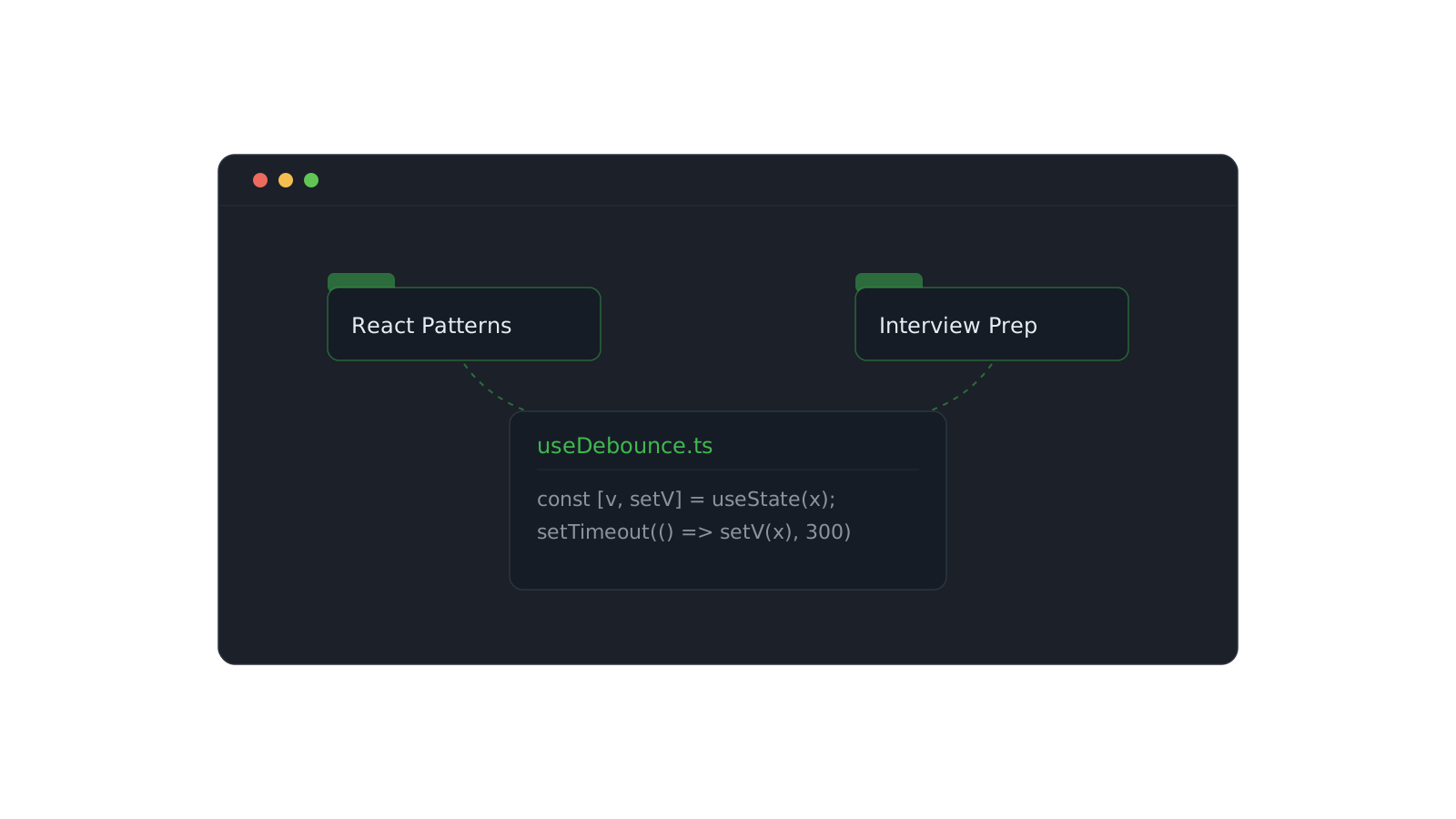
Folders force a choice: a snippet lives in one place, so you file it under React and then can't find it three weeks later when you're thinking Interview Prep. The thing you saved is real; the single location you filed it under was a guess.
Collections drop the constraint. An item can belong to as many collections as make sense, so you organize around how you'll look for something rather than where it came from.
One snippet, many homes
A well-written useDebounce hook is a React pattern, an interview talking point, and a performance trick all at once. Put it in all three collections and it surfaces wherever your head is at that moment.
Structure that scales
- Keep collections intent-shaped — React Patterns, Interview Prep, DevOps — not source-shaped.
- Let items overlap freely; overlap is the feature, not a mess to clean up.
- Lean on search for the long tail and collections for the handful you revisit constantly.
Collections are for the things you return to on purpose. Search is for everything else. You need both.
Start with three or four collections you'd actually open. Add items as you go, drop them into whatever fits, and let the structure grow out of real use instead of a taxonomy you designed up front.
Romualdo Dasig
Building DevStash — one fast, searchable, AI-enhanced hub for developer knowledge.
Keep reading
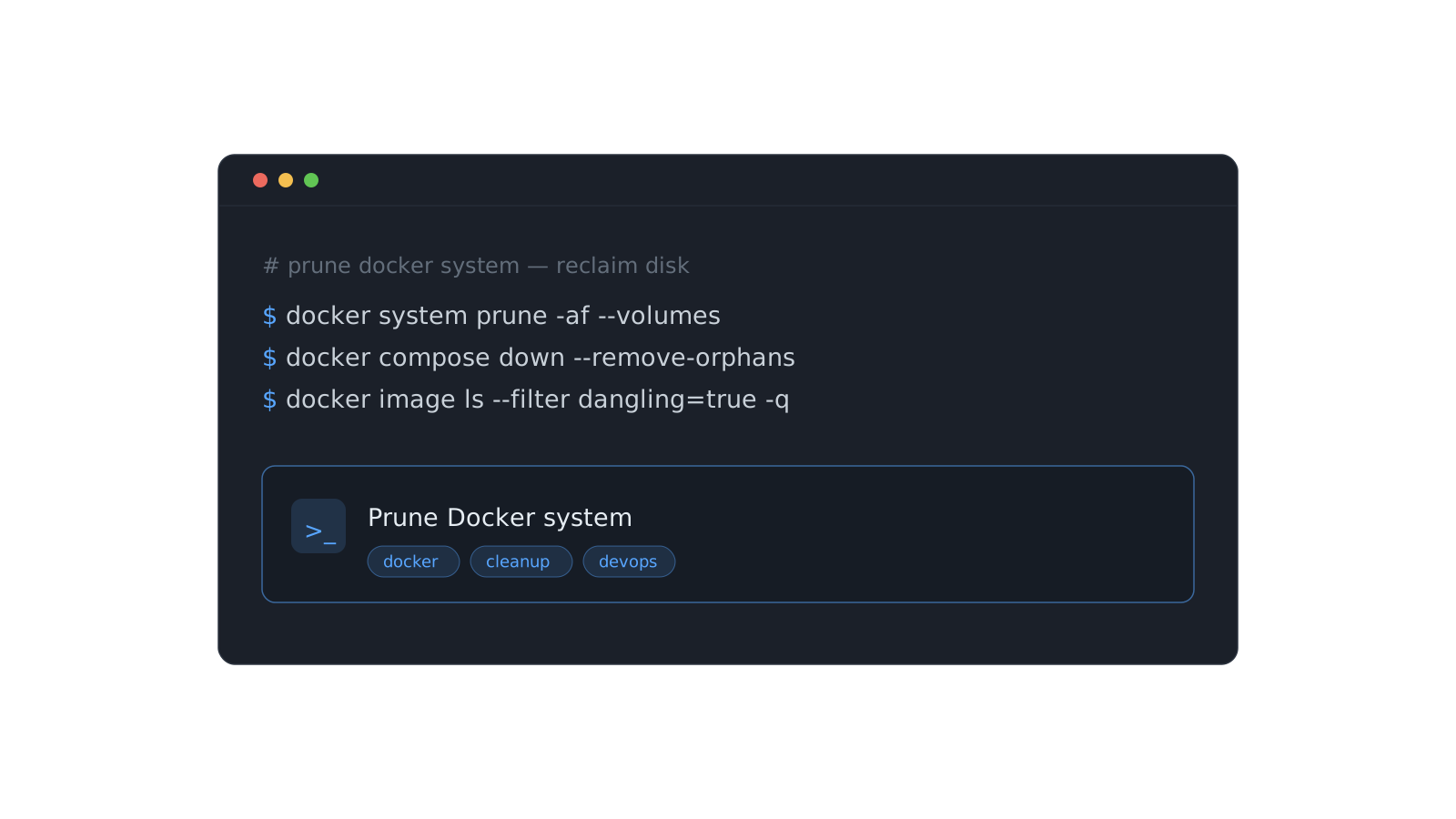
Stop re-deriving that Docker command for the fifth time
The commands you run once a month are the ones you never remember. Here's a system for stashing them so they're one search away — forever.
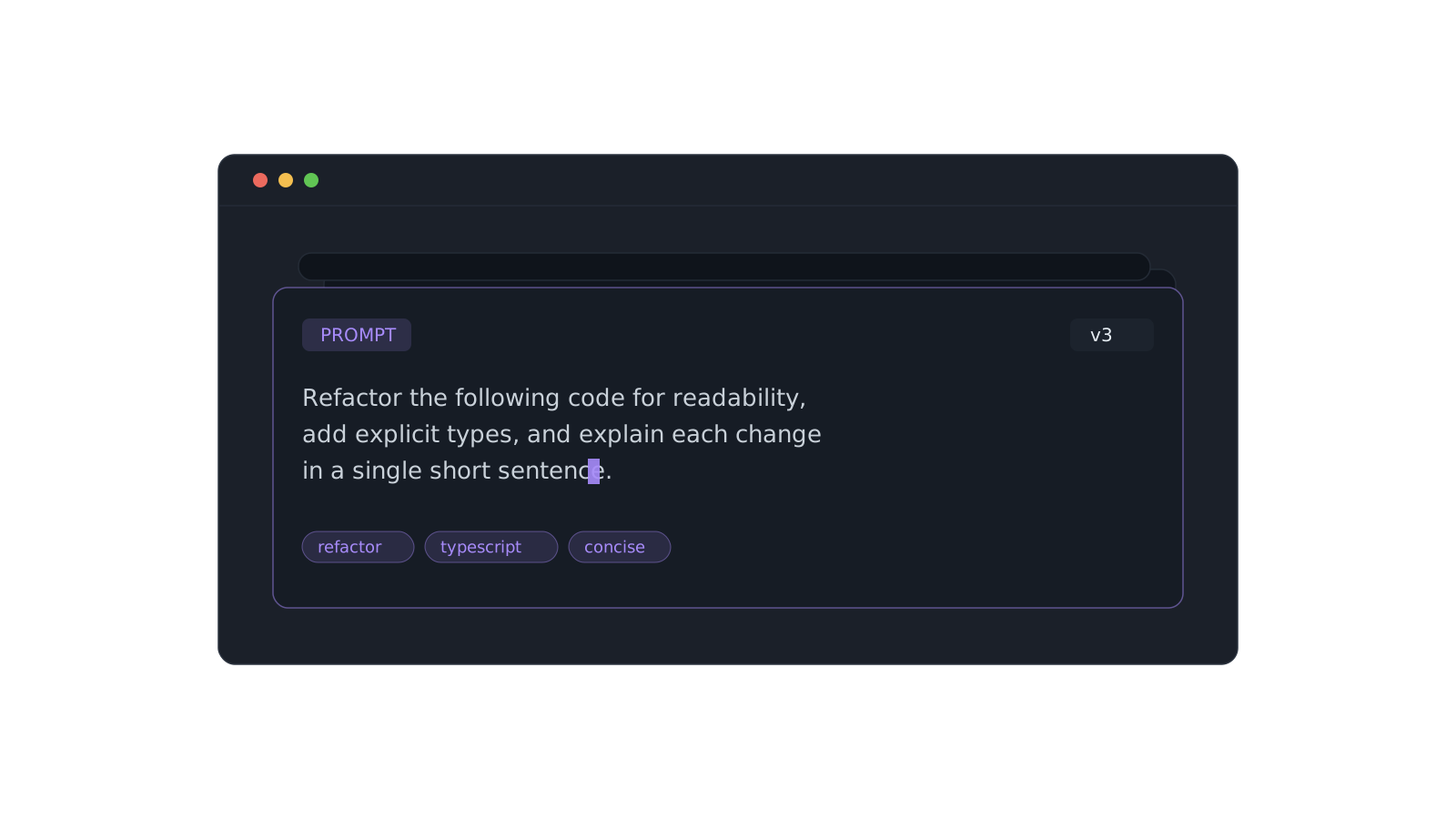
A prompt library that actually pays off
Version the prompts that work, tag them, and pull the right one in seconds instead of scrolling chat history.
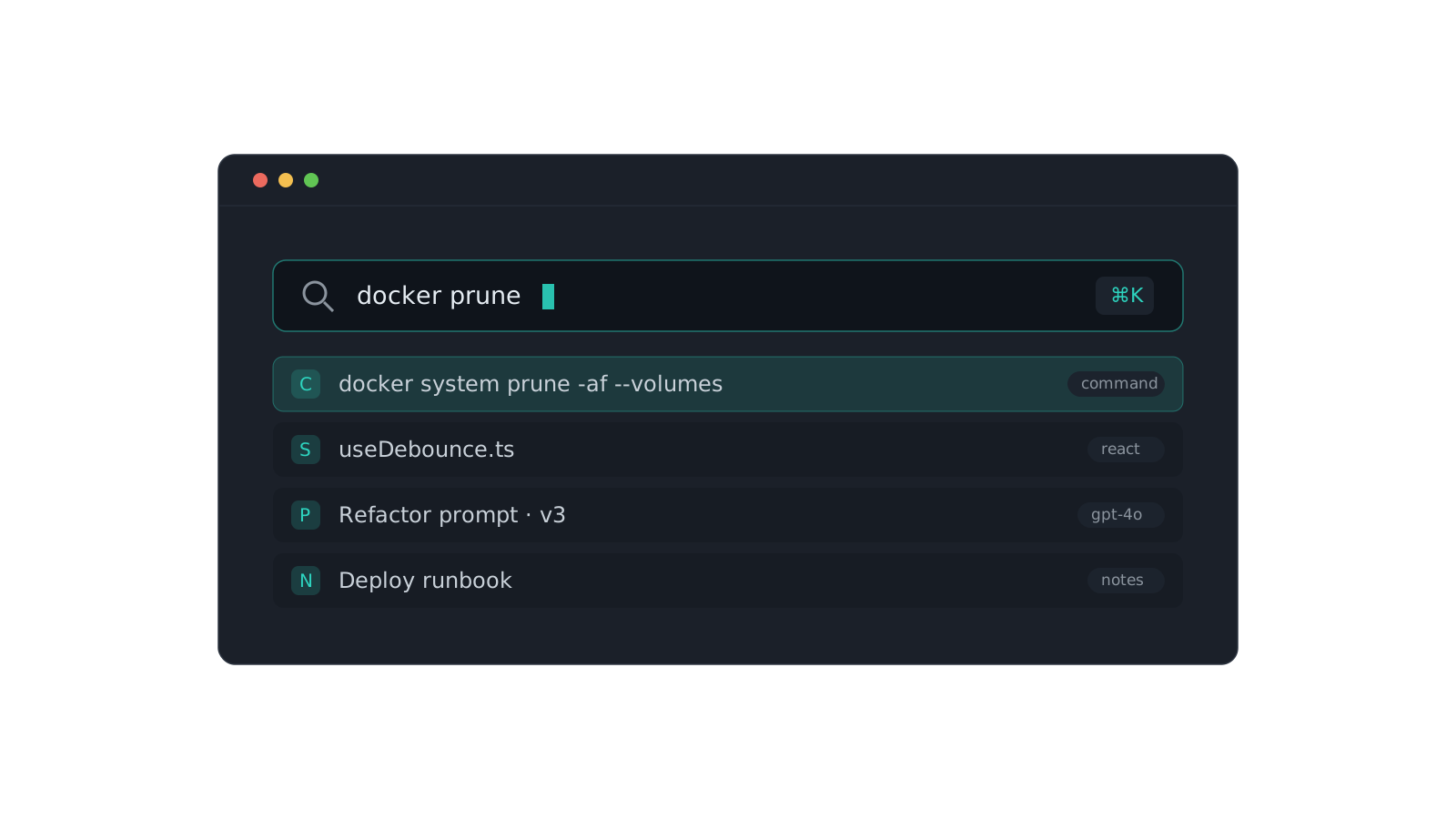
Finding anything with the ⌘K palette
Search across content, titles, tags, and types. A tour of the command palette and the tricks that make it fast.