Finding anything with the ⌘K palette
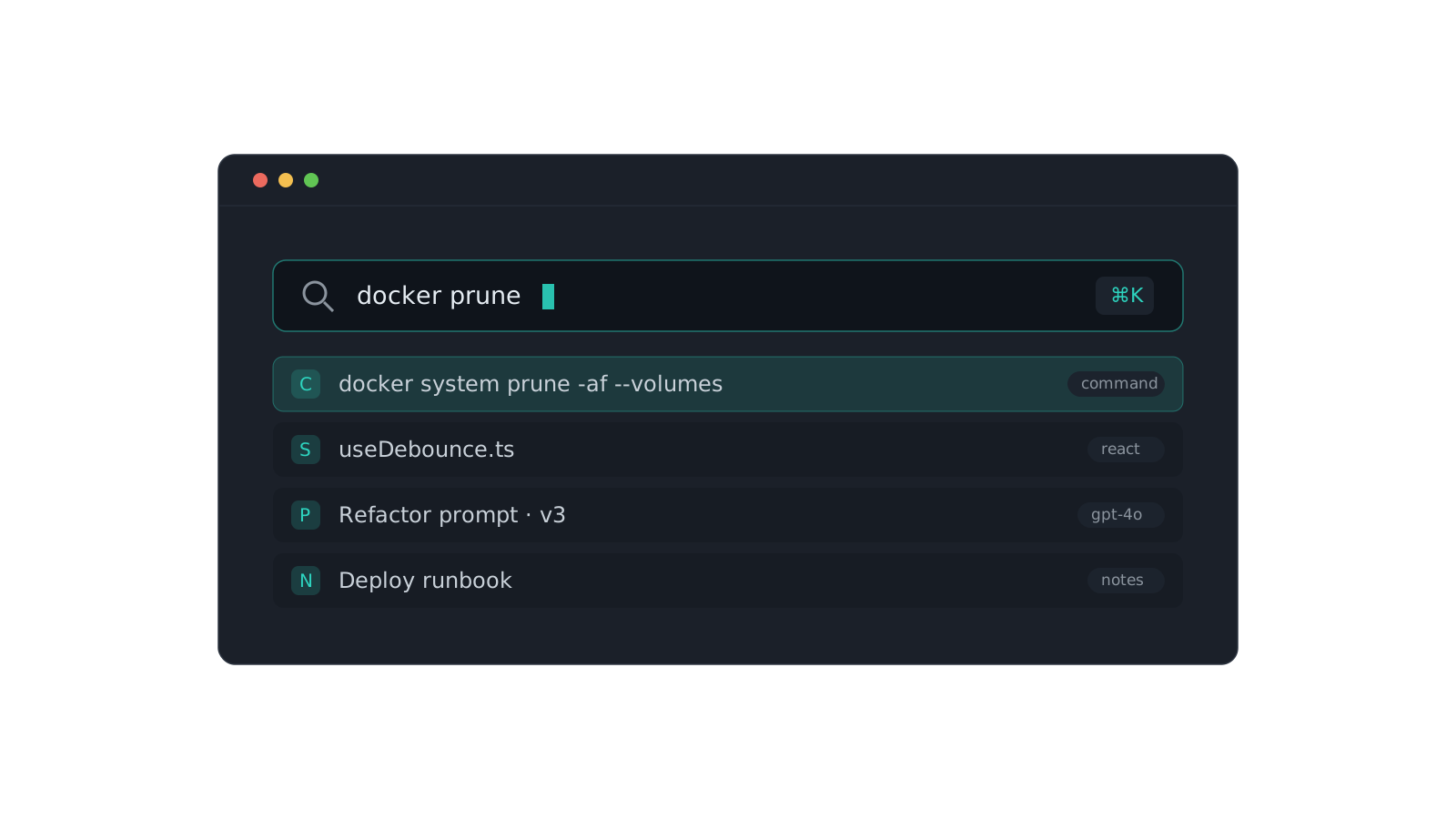
The fastest way to open anything in DevStash isn't a click — it's ⌘K. The command palette is the front door to your whole stash: items, collections, every type, all from the keyboard.
Search across everything
The palette matches on content, titles, tags, and types at once. Half-remember a snippet but know it mentioned AbortController? Type it. Only recall you tagged something deploy? That works too. You don't have to know where a thing lives to find it.
Tricks that make it fast
- Search by intent — the words you'd think, not the exact title.
- Lean on tags as a fuzzy filter when the title escapes you.
- Hit
⌘K, type a few letters, and press Enter — the top result is usually the one you meant.
If it takes longer to find a snippet than to rewrite it, the tool has failed. The palette exists so retrieval always wins.
Give it a week and the palette becomes muscle memory. You stop browsing for things and start summoning them.
Romualdo Dasig
Building DevStash — one fast, searchable, AI-enhanced hub for developer knowledge.
Keep reading
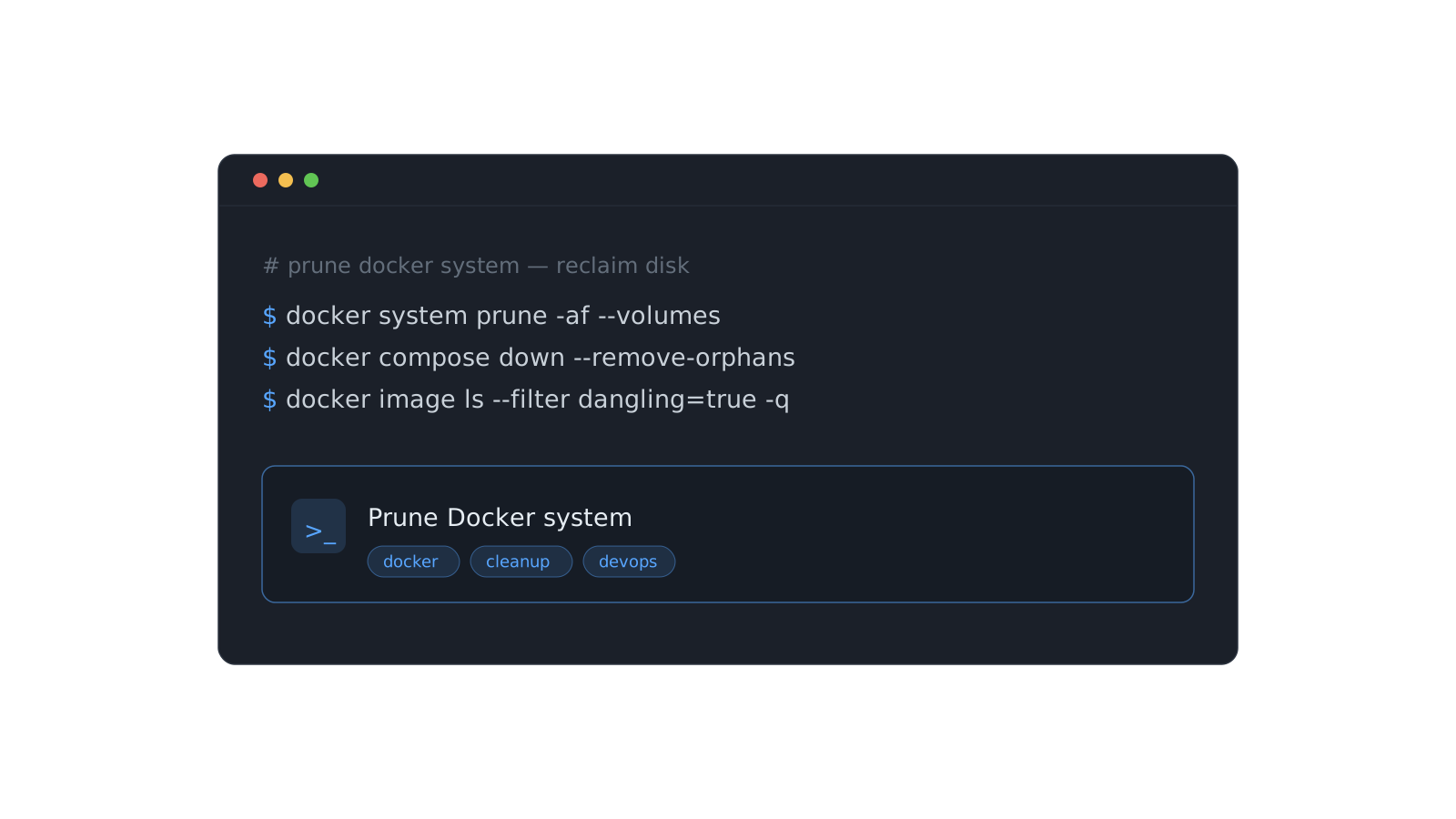
Stop re-deriving that Docker command for the fifth time
The commands you run once a month are the ones you never remember. Here's a system for stashing them so they're one search away — forever.
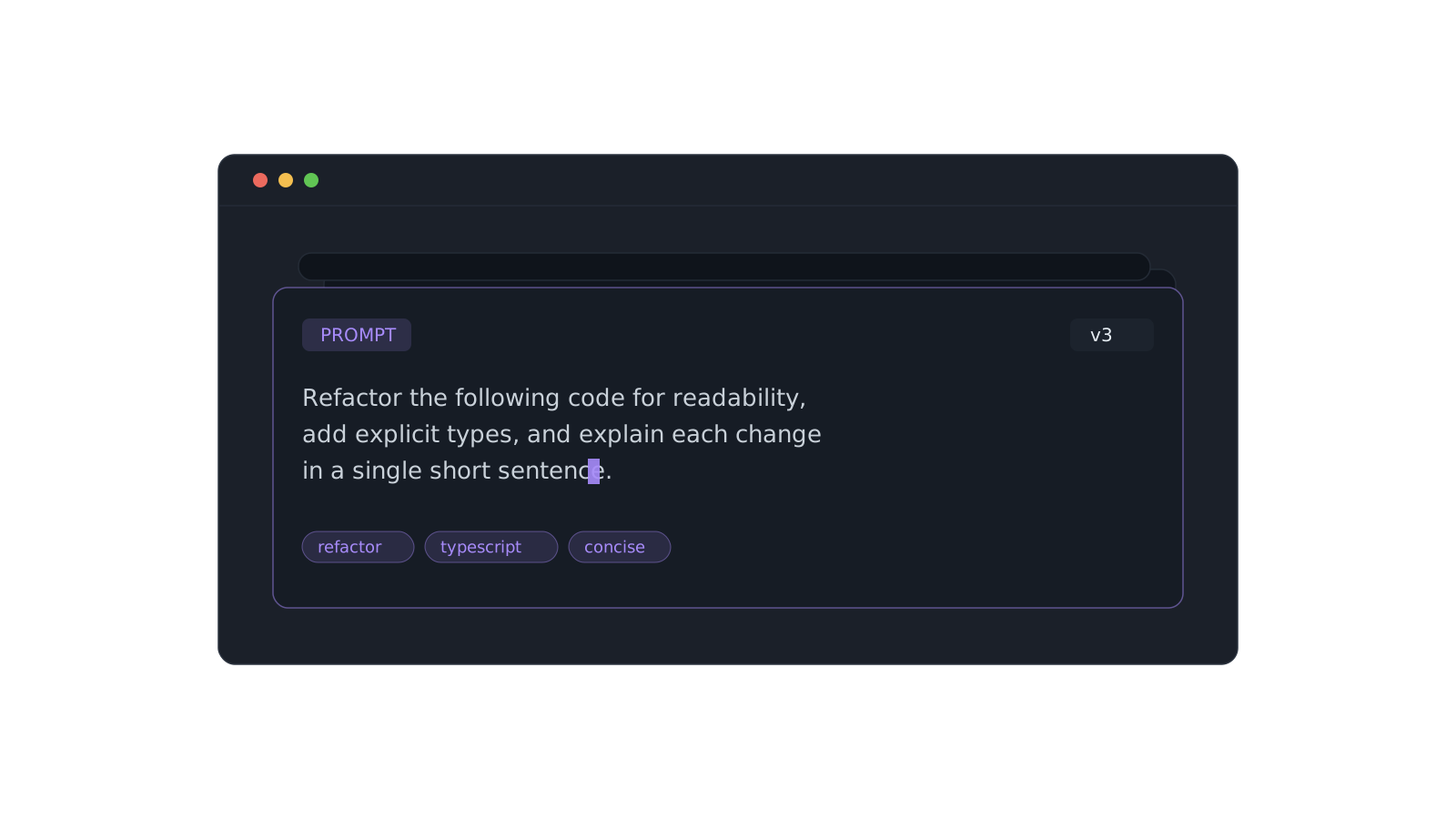
A prompt library that actually pays off
Version the prompts that work, tag them, and pull the right one in seconds instead of scrolling chat history.
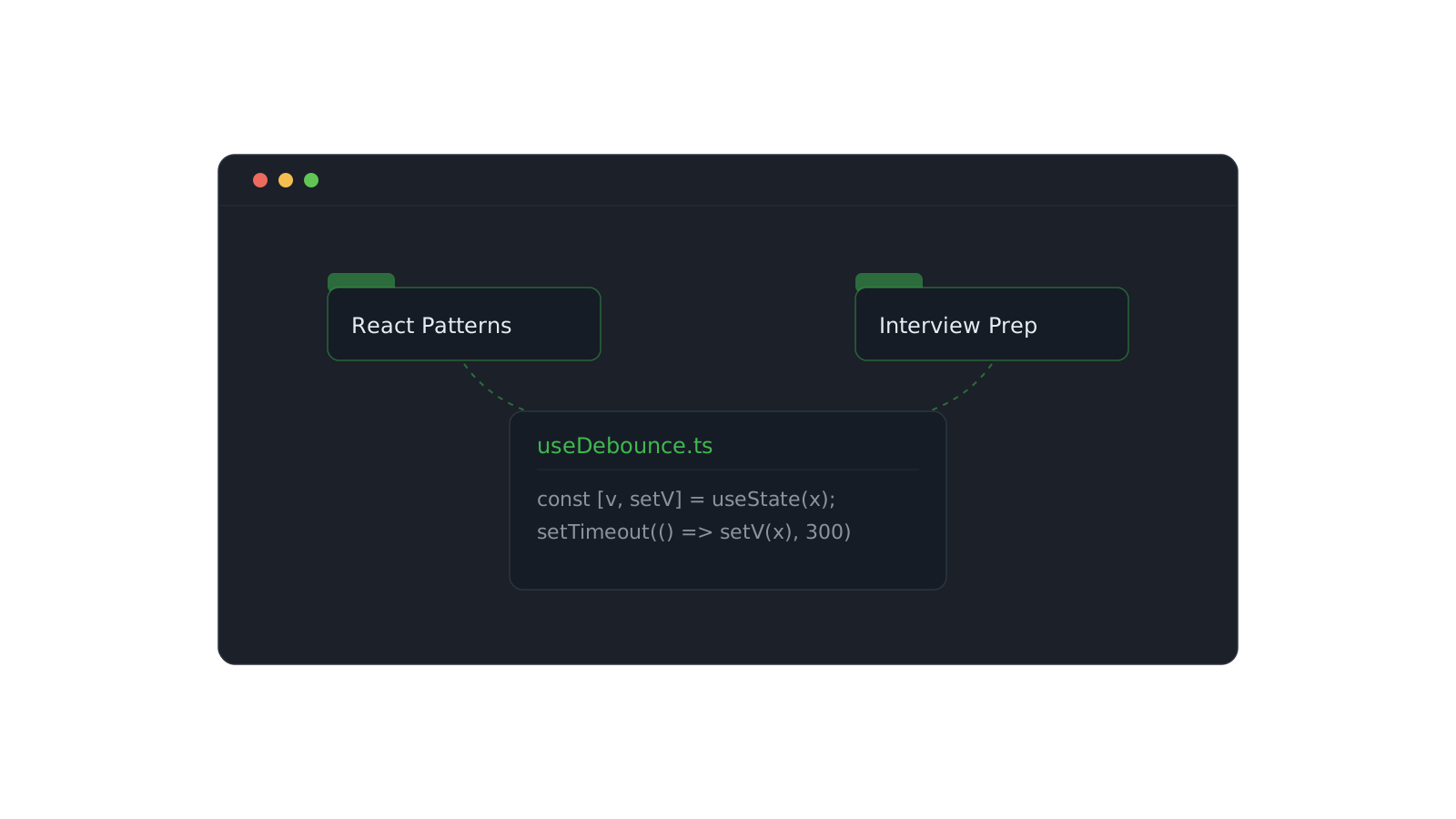
Organizing snippets with collections
One snippet can live in React Patterns and Interview Prep at once. Here's how to structure collections that scale.