From bash history to a real command stash
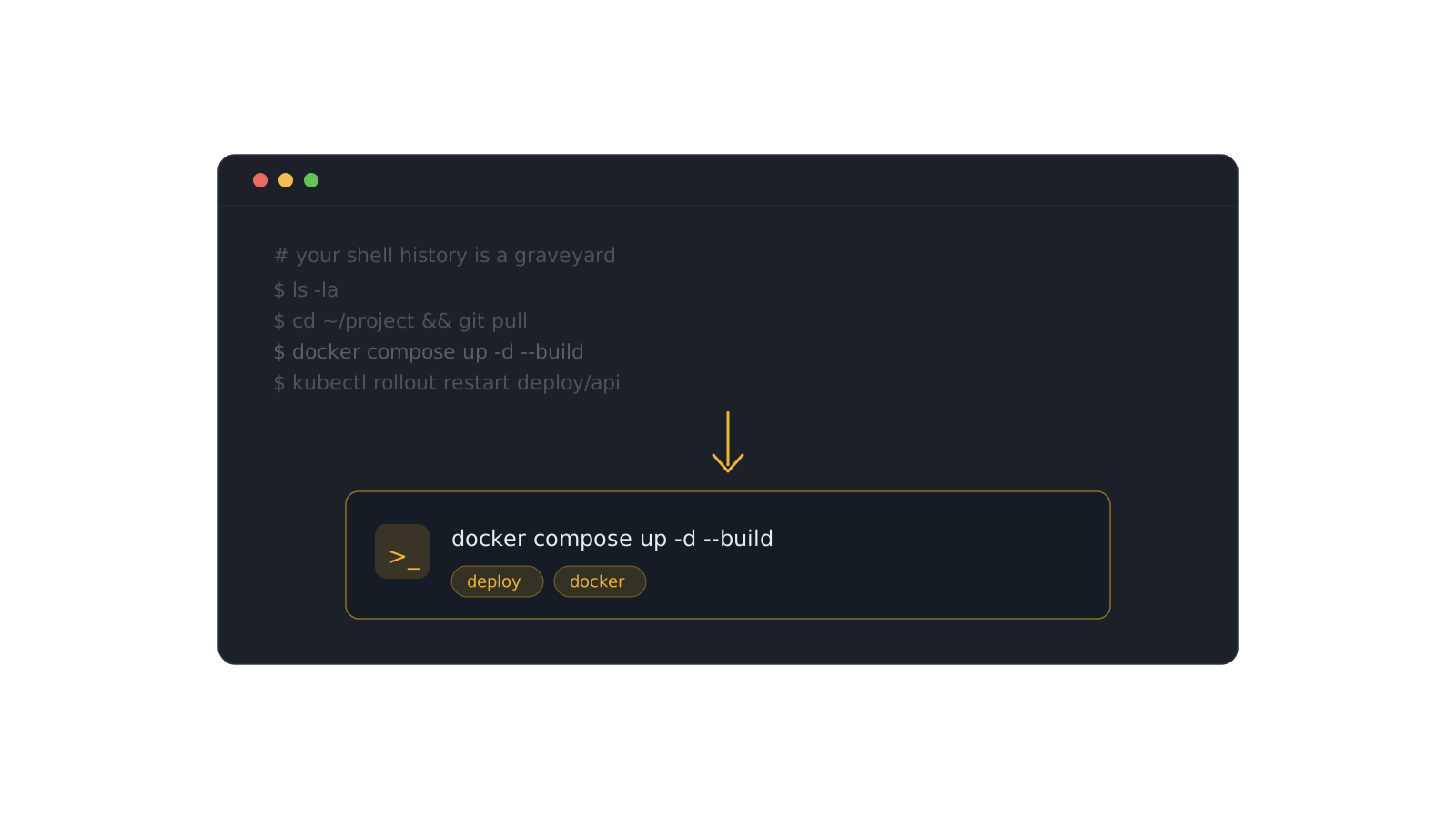
Your shell history is a graveyard. Ten thousand lines deep, unsearchable in practice, and the good commands are buried under a thousand cds and lss. Ctrl-R is archaeology, not retrieval.
The commands worth keeping deserve to be promoted — pulled out of history into a searchable, taggable home before they scroll off the end forever.
Mine your history
Start where the good ones already are:
history | awk '{$1=""; print}' | sort | uniq -c | sort -rn | head -40
That surfaces your most-run commands. Most are noise — but a few are the exact incantations you'd hate to reconstruct. Those are the keepers.
Promote, don't hoard
- Save each keeper as a Command item with a title that says what it does.
- Tag for retrieval — the tool and the problem, not the syntax.
- Drop related commands into a collection like DevOps or Git.
History remembers everything and surfaces nothing. A stash remembers only what you chose — and hands it back in five seconds.
Do this once and your best commands stop depending on how recently you ran them. They're not in a graveyard anymore; they're in a home you can search.
Romualdo Dasig
Building DevStash — one fast, searchable, AI-enhanced hub for developer knowledge.
Keep reading
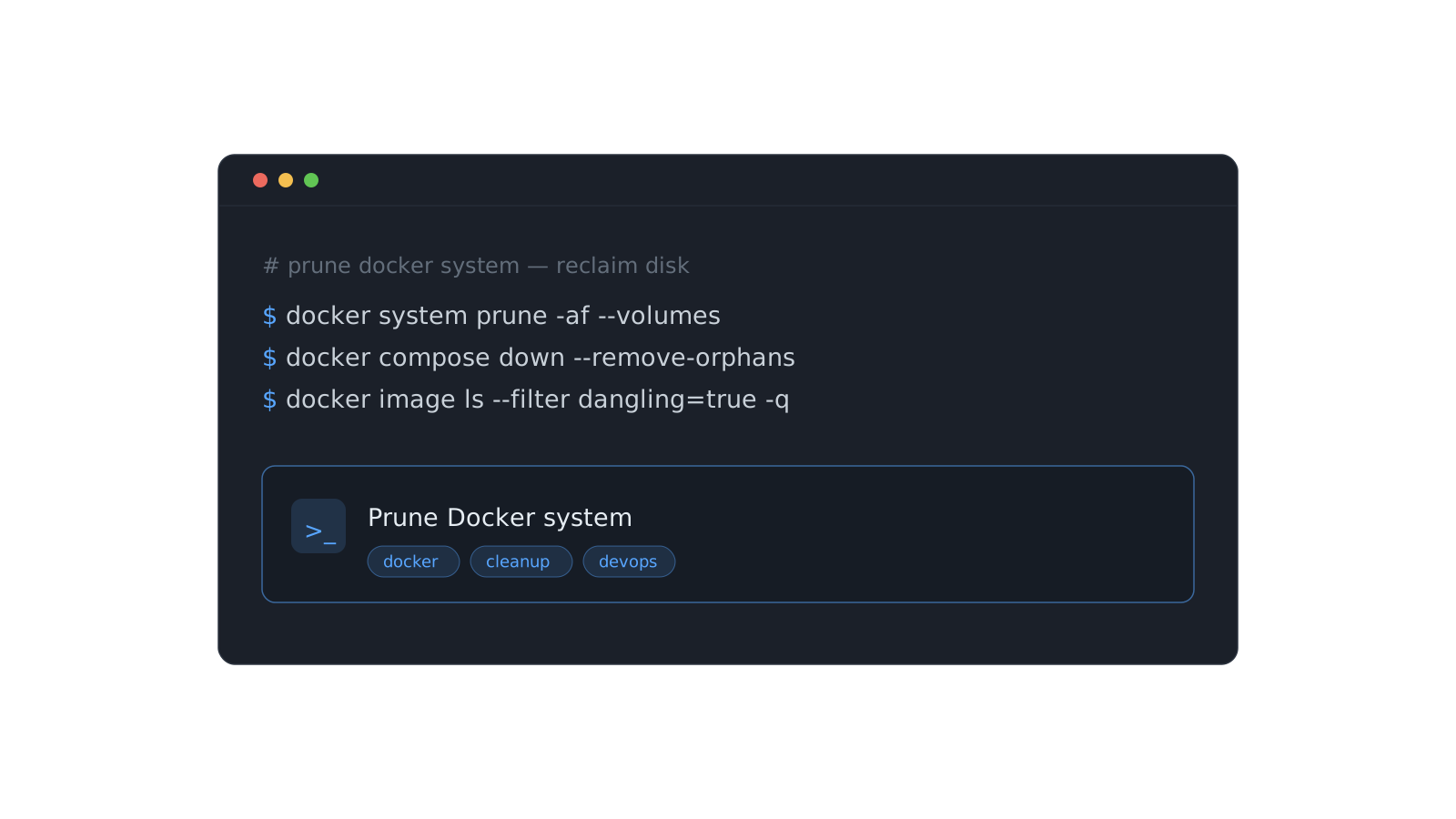
Stop re-deriving that Docker command for the fifth time
The commands you run once a month are the ones you never remember. Here's a system for stashing them so they're one search away — forever.
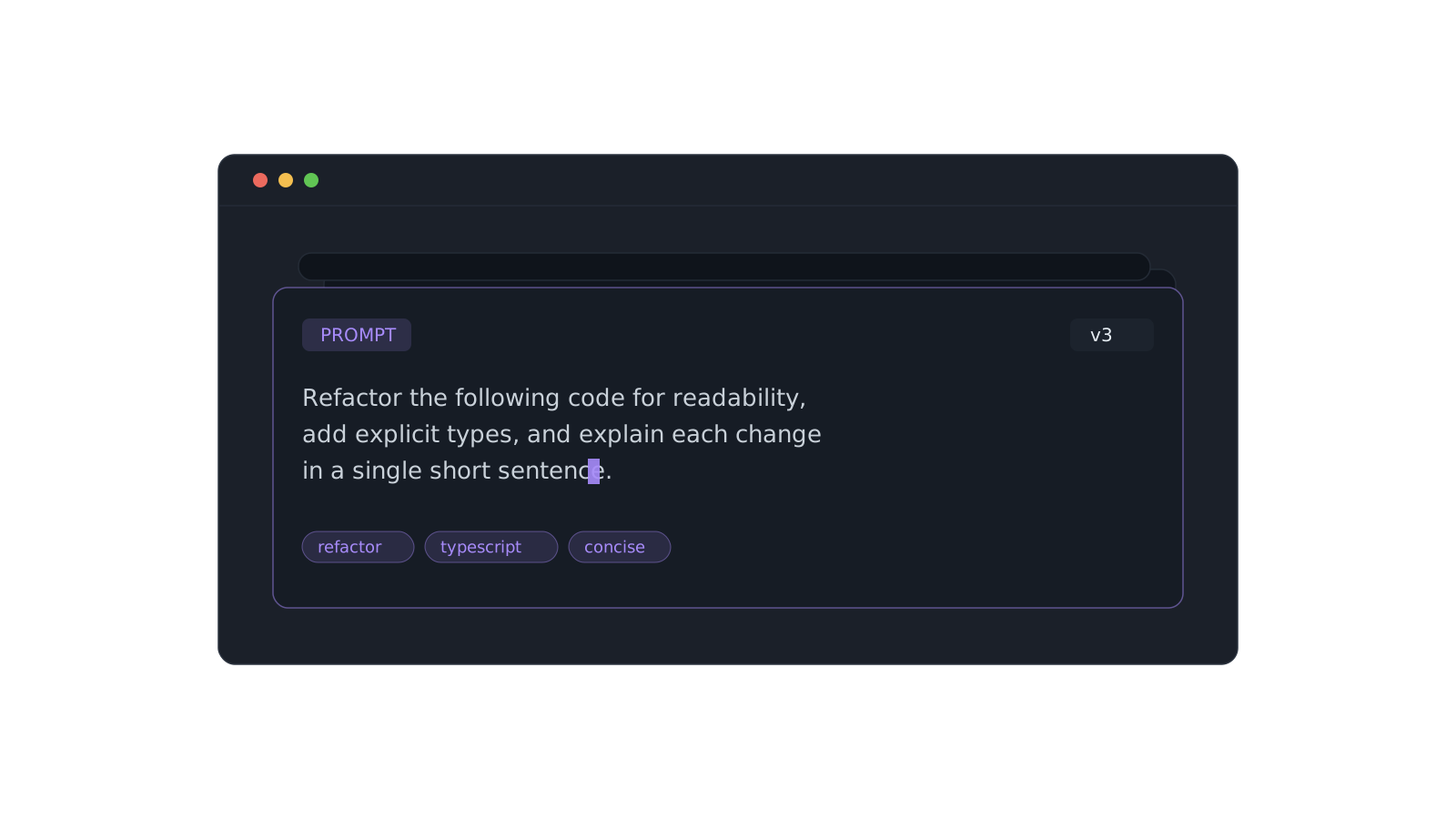
A prompt library that actually pays off
Version the prompts that work, tag them, and pull the right one in seconds instead of scrolling chat history.
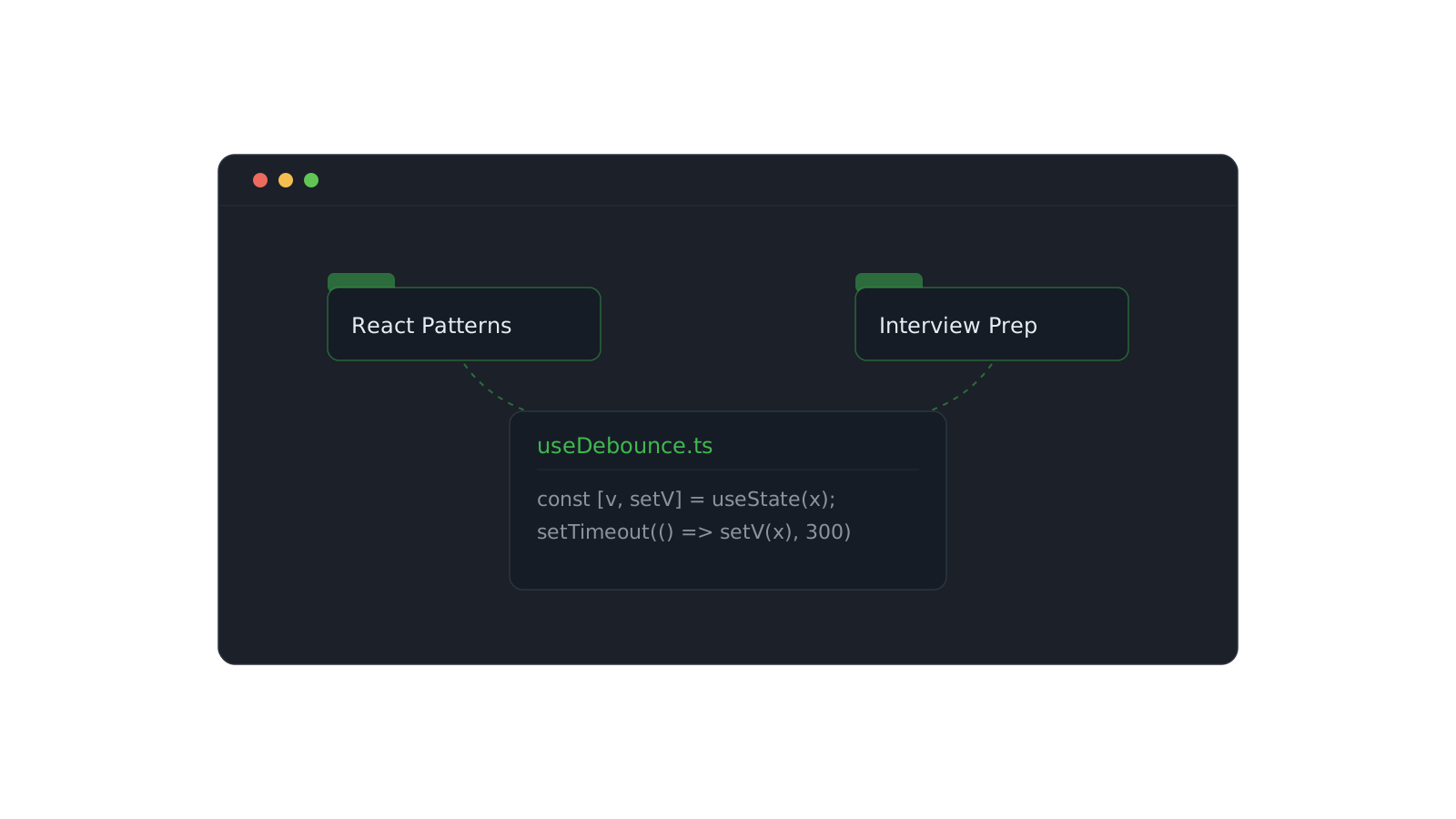
Organizing snippets with collections
One snippet can live in React Patterns and Interview Prep at once. Here's how to structure collections that scale.