Keep files beside the code they belong to
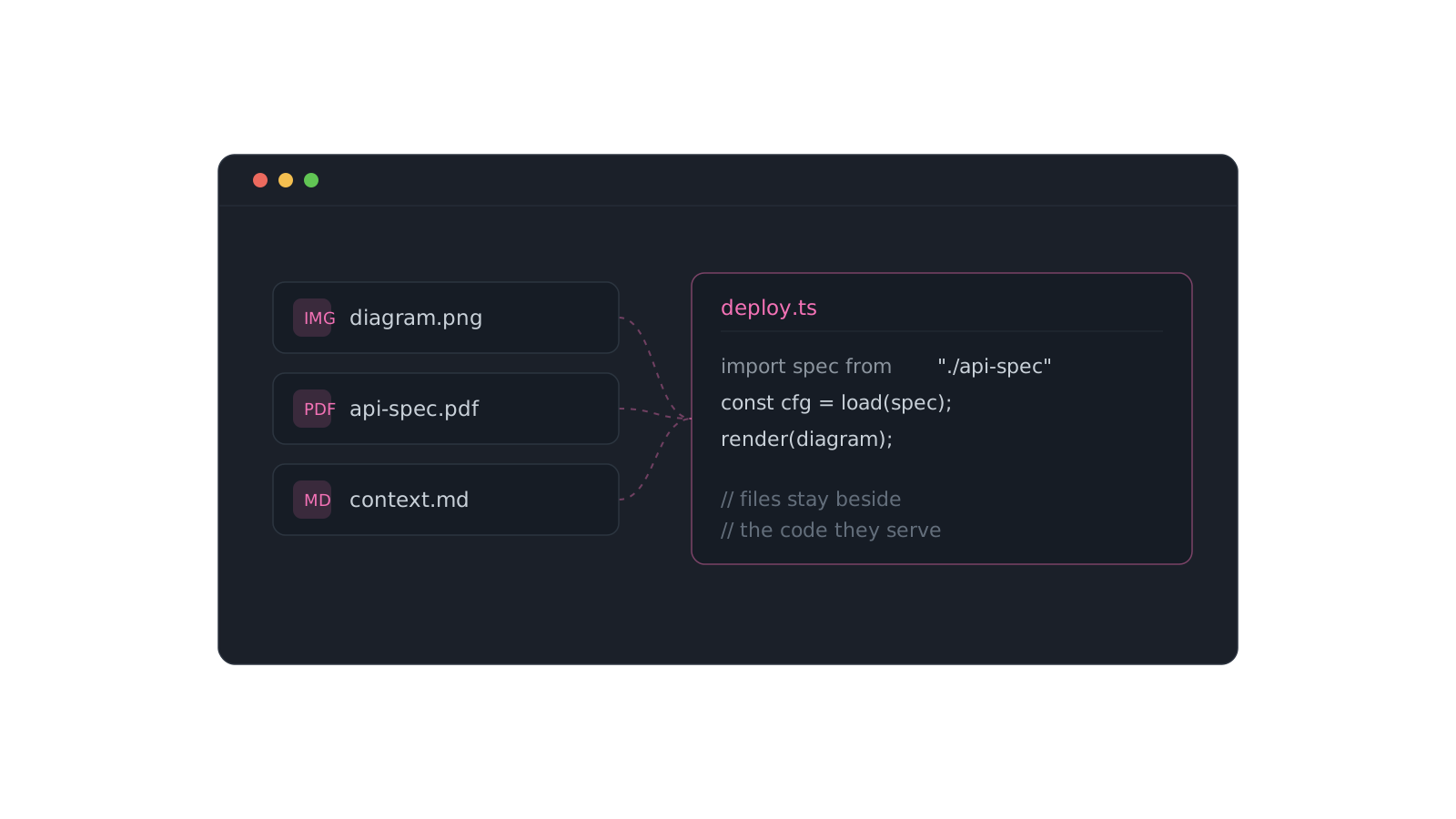
Some knowledge doesn't fit in a text box. A design mockup, an architecture diagram, a sample payload, a PDF spec — they end up in Downloads, a Slack thread, or a folder you'll never open again, drifting away from the code they explain.
On Pro, File and Image items keep them beside the code they belong to.
Context that travels with the code
Upload a context file, an image, or a doc and stash it right next to the snippet or prompt that uses it. When you open the item later, the reference is there — not two apps away.
- Attach the sample
response.jsonnext to the parser that consumes it. - Keep the schema diagram in the same collection as the queries.
- Drop the design export beside the component that implements it.
The best place to store a file is next to the thing it explains. Everywhere else, it's just clutter you'll lose.
Files are a Pro type, and they upload straight into the same searchable, collection-aware home as everything else — so context stops scattering the moment you stash it.
Romualdo Dasig
Building DevStash — one fast, searchable, AI-enhanced hub for developer knowledge.
Keep reading
Stop re-deriving that Docker command for the fifth time
The commands you run once a month are the ones you never remember. Here's a system for stashing them so they're one search away — forever.
A prompt library that actually pays off
Version the prompts that work, tag them, and pull the right one in seconds instead of scrolling chat history.
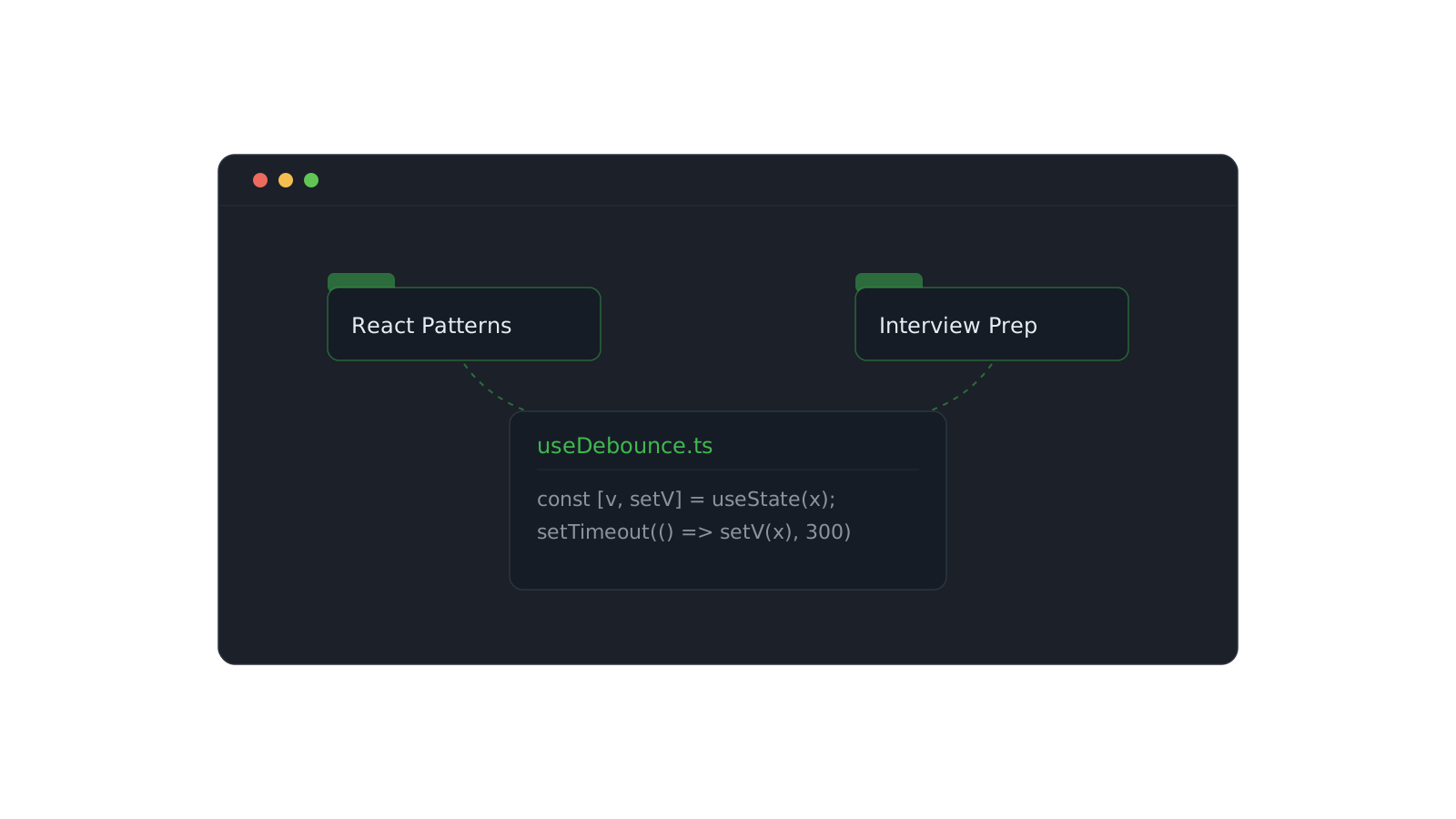
Organizing snippets with collections
One snippet can live in React Patterns and Interview Prep at once. Here's how to structure collections that scale.