Markdown notes, done right
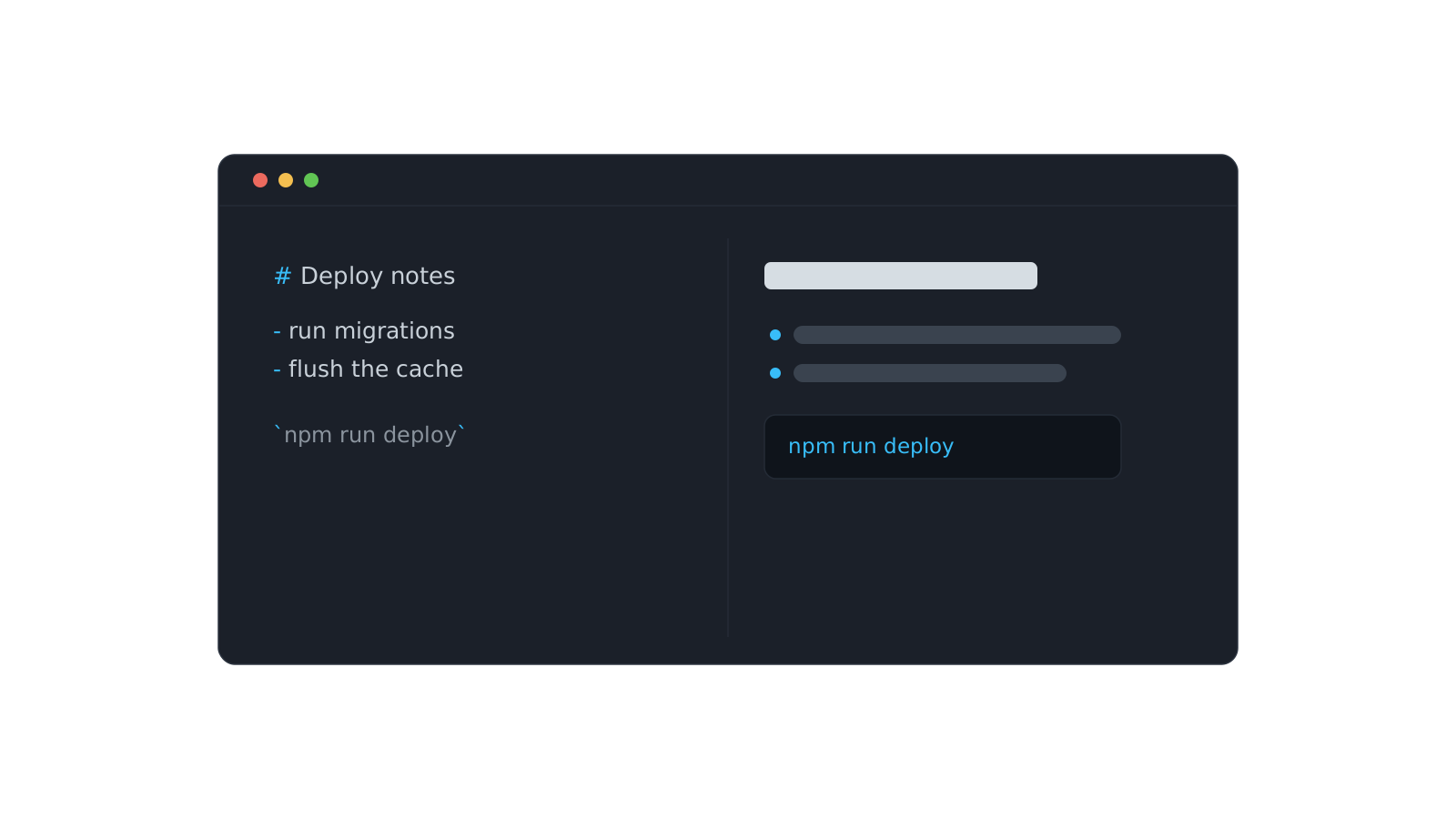
A note you can't format is a note you won't reread. Walls of plain text hide the one line you needed. DevStash's Note and Prompt types use a real Markdown editor — a write/preview surface, so you draft in Markdown and see exactly how it'll render.
GFM, where it counts
The editor supports GitHub-Flavored Markdown — the parts developers actually use:
- Headings to break a note into sections you can skim.
- Lists and task lists for steps and checklists.
- Tables for the small comparisons that don't deserve a spreadsheet.
- Inline
codeand fenced blocks with syntax highlighting.
Preview before you trust it
Toggle to Preview and you're seeing the same render the detail drawer shows later — no surprises, no broken tables discovered a month after you wrote them.
Formatting isn't decoration. It's the difference between a note you scan in five seconds and one you skip because it's a wall of text.
Write it once, format it so future-you can skim it, and it stays useful long after you've forgotten the details.
Romualdo Dasig
Building DevStash — one fast, searchable, AI-enhanced hub for developer knowledge.
Keep reading
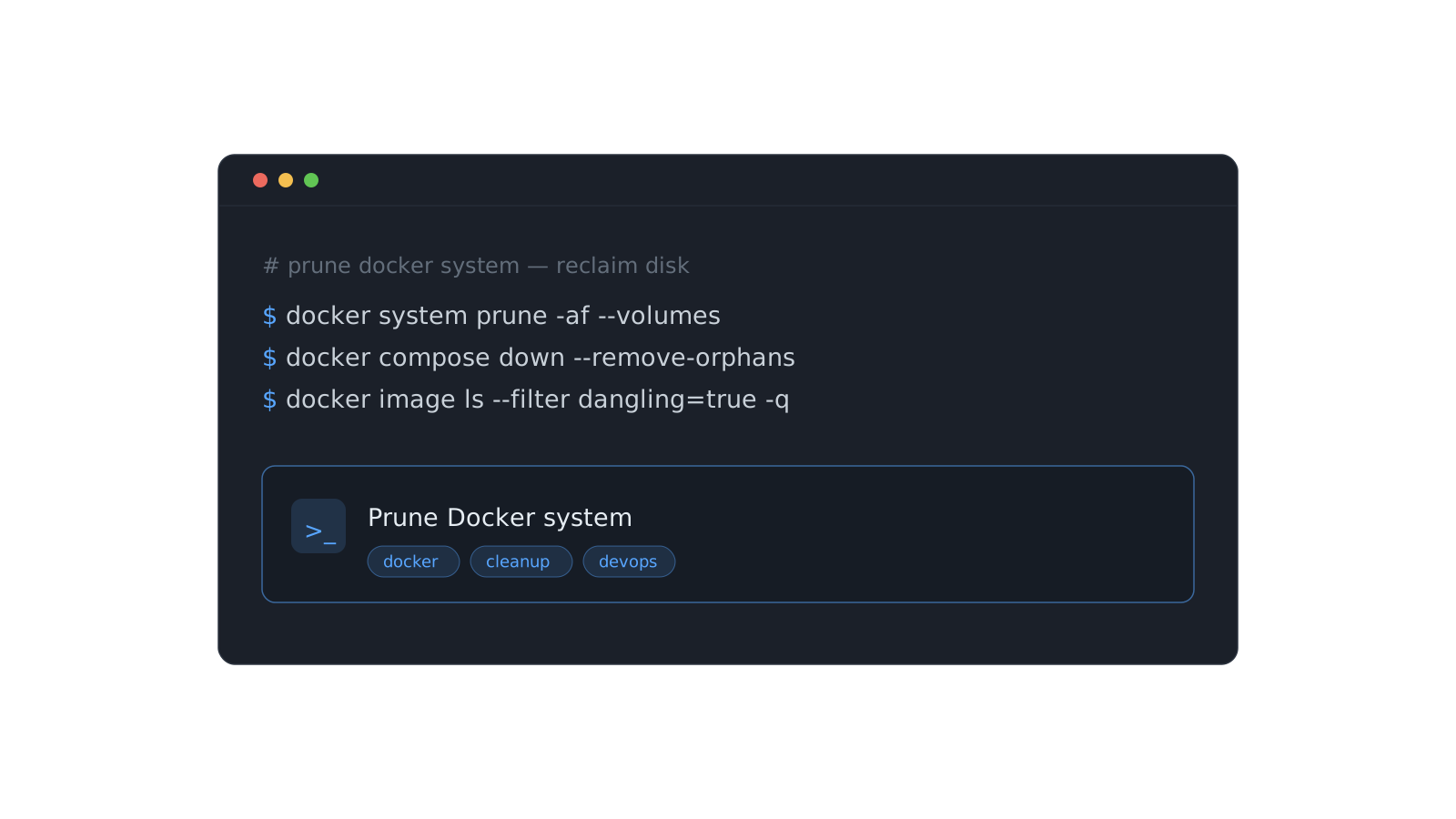
Stop re-deriving that Docker command for the fifth time
The commands you run once a month are the ones you never remember. Here's a system for stashing them so they're one search away — forever.
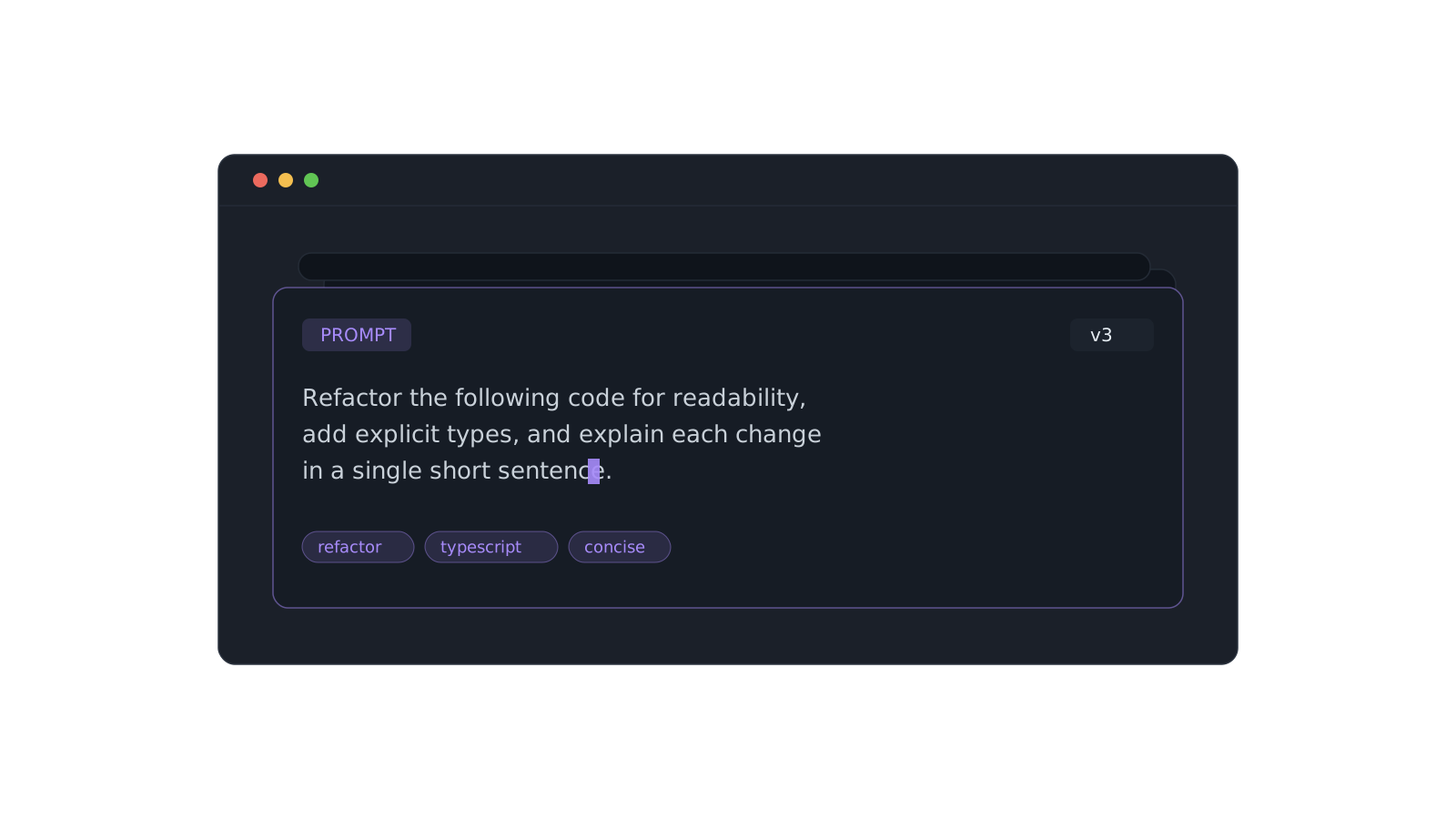
A prompt library that actually pays off
Version the prompts that work, tag them, and pull the right one in seconds instead of scrolling chat history.
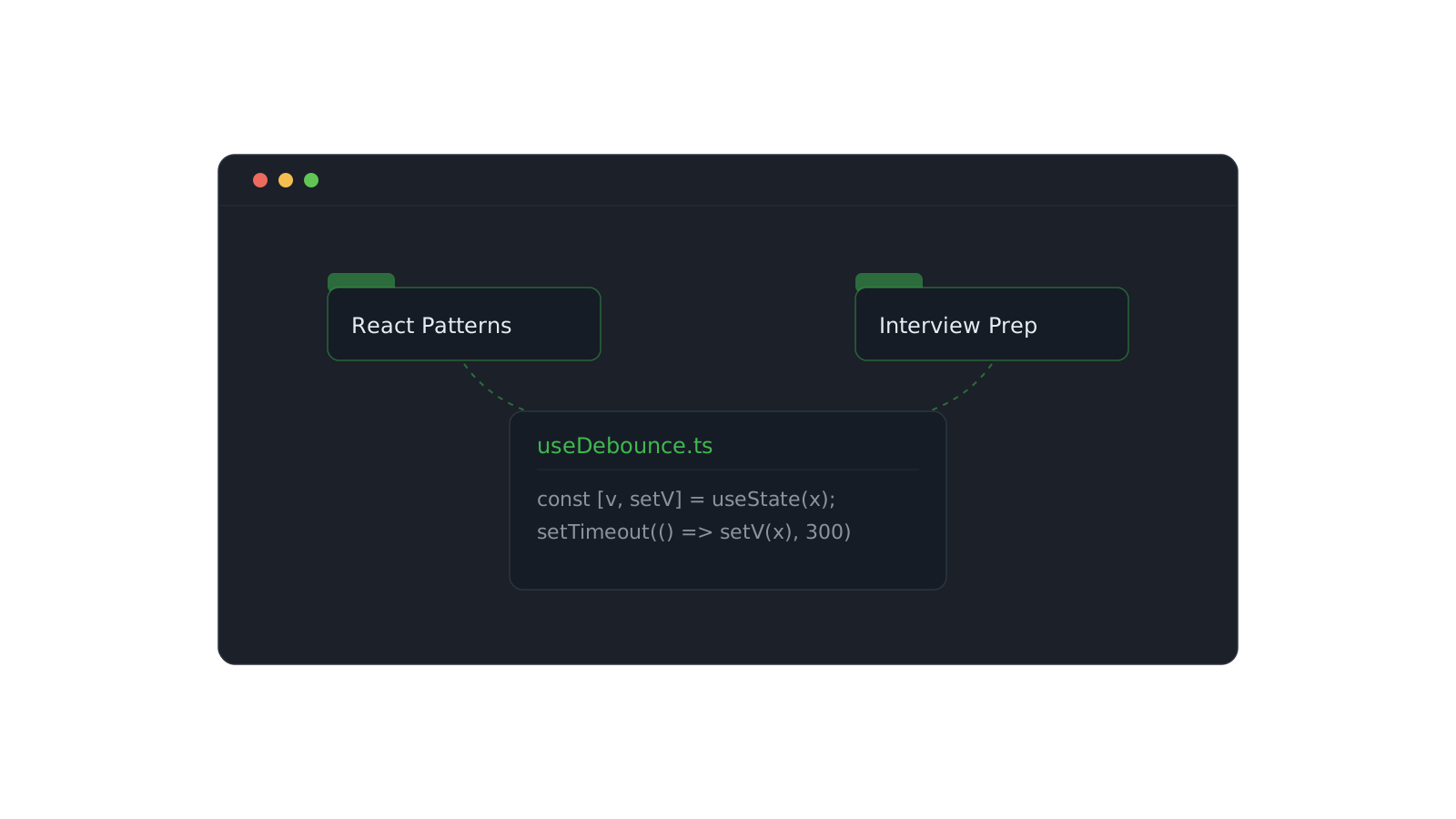
Organizing snippets with collections
One snippet can live in React Patterns and Interview Prep at once. Here's how to structure collections that scale.